
Building a window into the Mycobrain
A Display for Mycobrain
The Goal
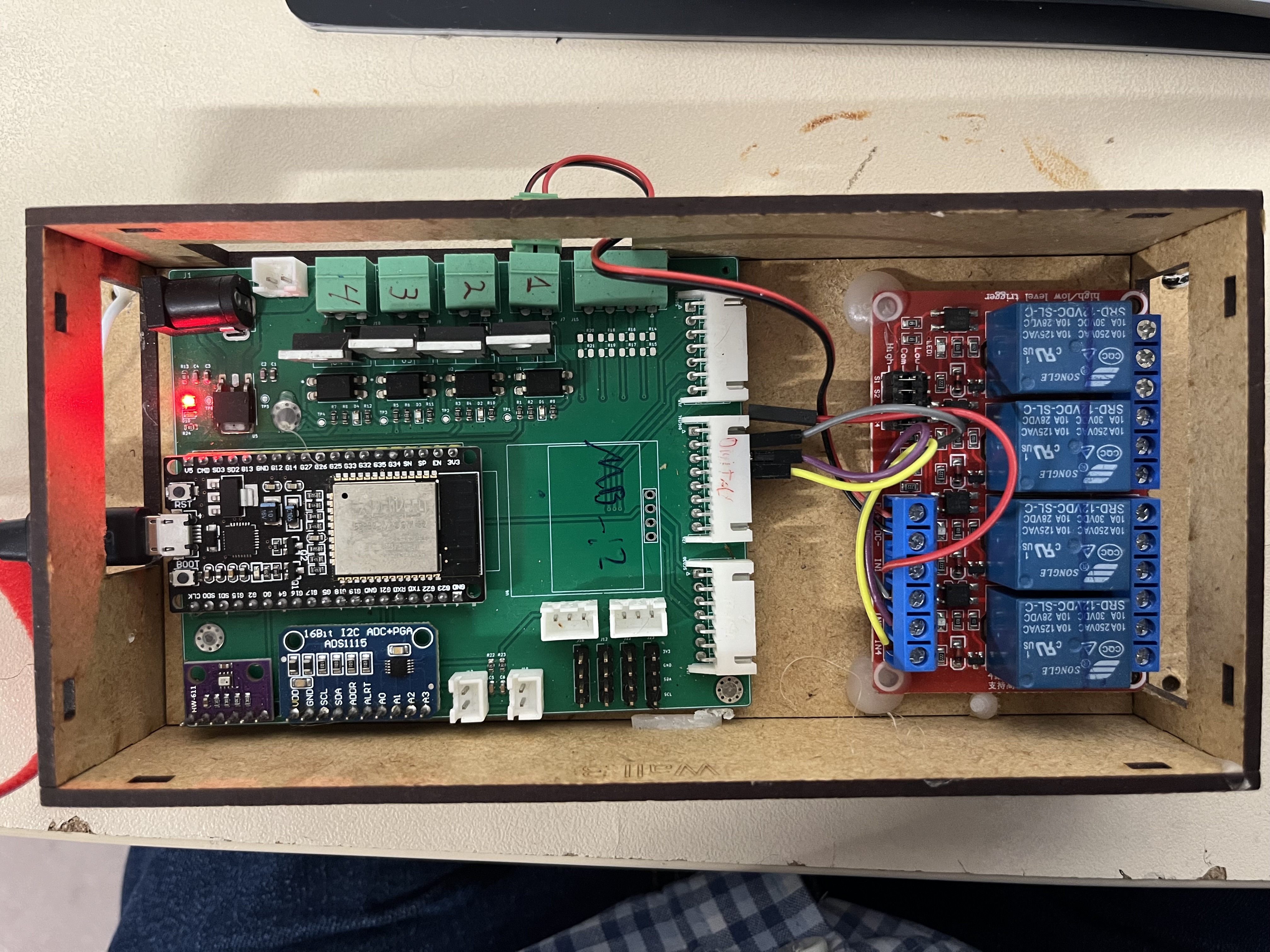
The Mycobrain is an ESP32 based module that it set up to receive inputs from various sensors and also drive some outputs. The ESP32 is a flexible device that can even serve its own web page do display the captured information. Although the ESP32 can provide its own Web page, it was thought it would be cool if there could be a screen nearby the Mycobrain to display the data and provide a means to drive the outputs.
The Hardware Selection
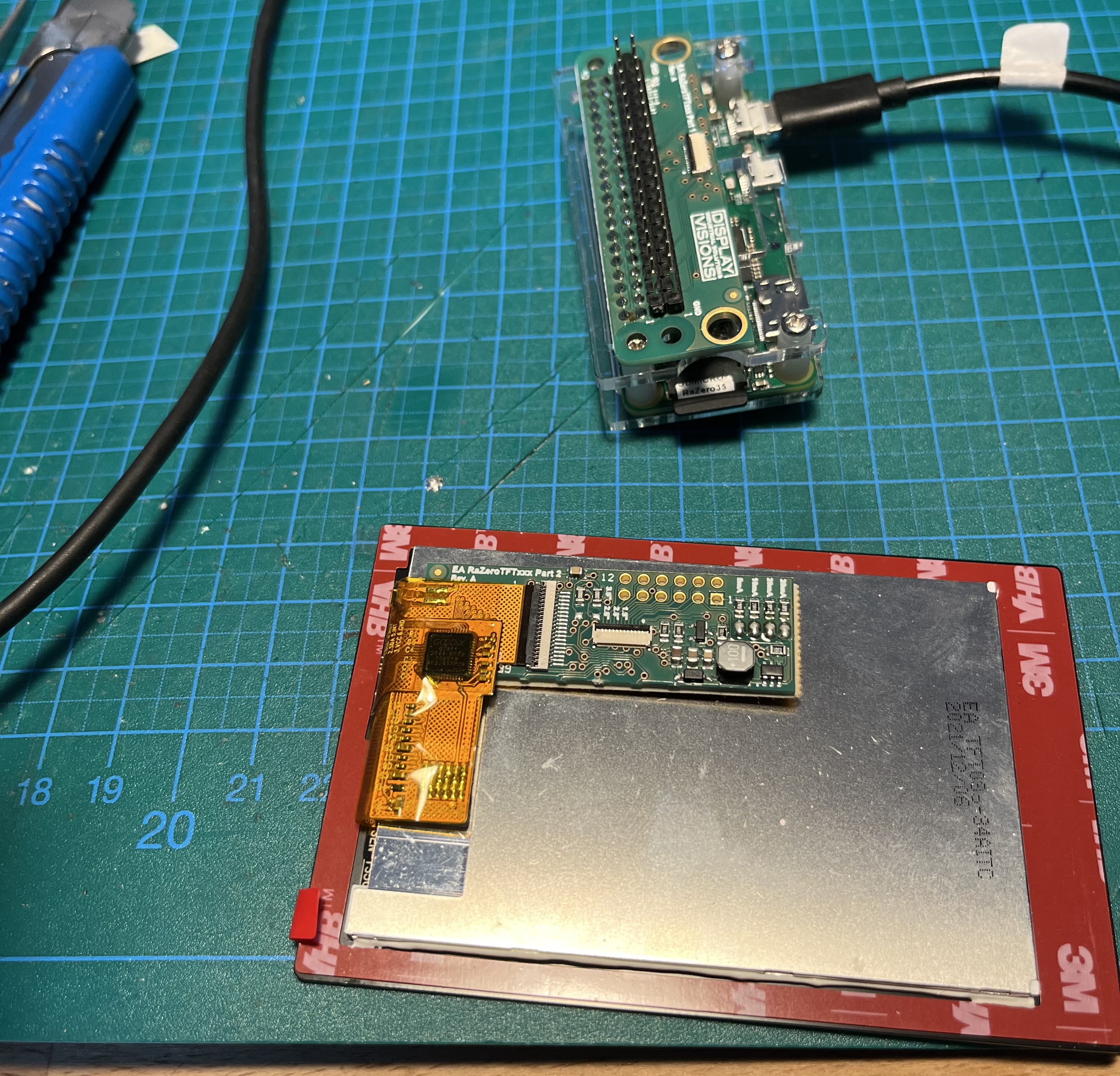
Steve happened to have available a TFT display from Display Visions EA RaZero TFT, which seemed a good solution for a quick prototype. The kit contained an adapter for a Raspberry Pi Zero and a TFT 3.5" TFT display. The provider also has some libraries available to get started.
Bringing up the system
Steve was unsure on how to get this working but with the help of Claude, the task became very simple. The first things was to prove the toolchain and libraries. So the first task was to create a "Hello World" application where the "Hello World" string would follow a finger touching the screen. This would prove at the code can be build, the display can be accessed and text displayed and it also proved that the touch library was also functional.
The next task was to build the first UI over the Mycobrain. Claude was helpful to assess the functionality of the existing Mycbrain code and determine any available REST APIs. From there, a basic UI could be created that encompassed the display of temperature, humidity and CO2 based on the REST APIs already available in the Mycobrain firmware.
| End Point | Purpose |
| api/status | The current values of the sensors being read |
| api/history | This values of the sensor values in an array of time stamped values. |
A real help in this process was the use of a web camera trained on the display. This would provide a feedback loop to Claude which could then work independently to create the user interface by taking photos of the display and verifying any changes made.
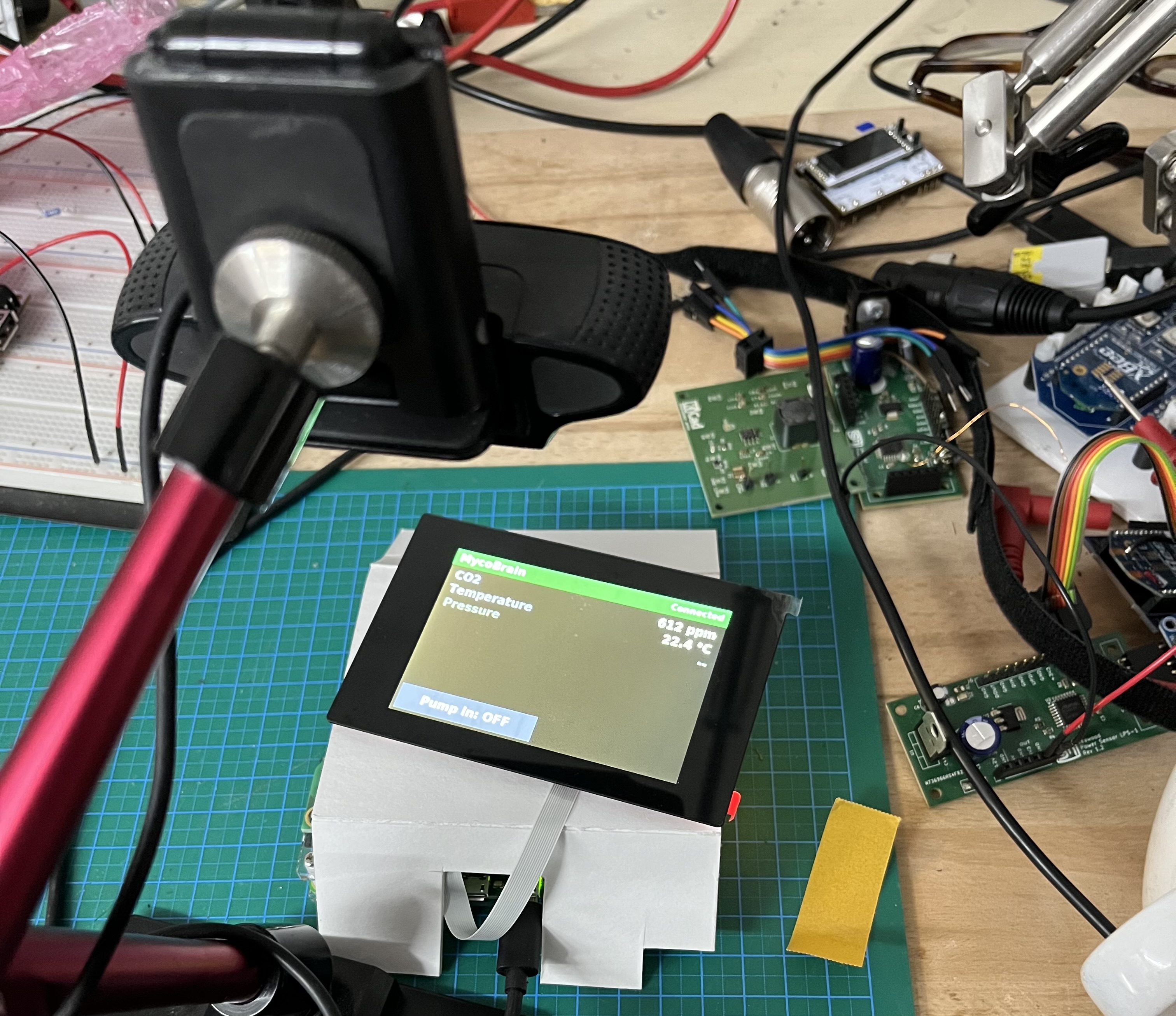
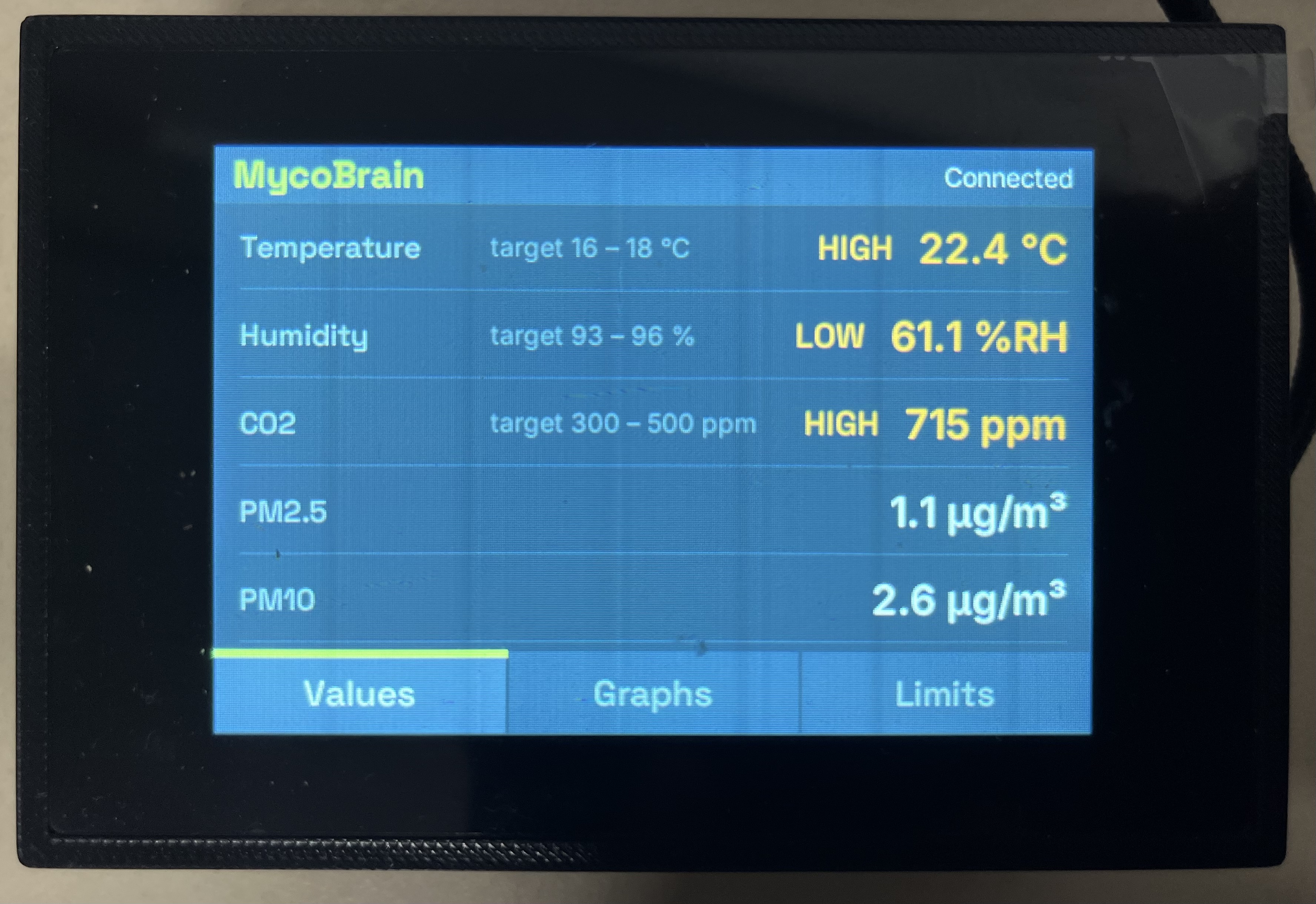
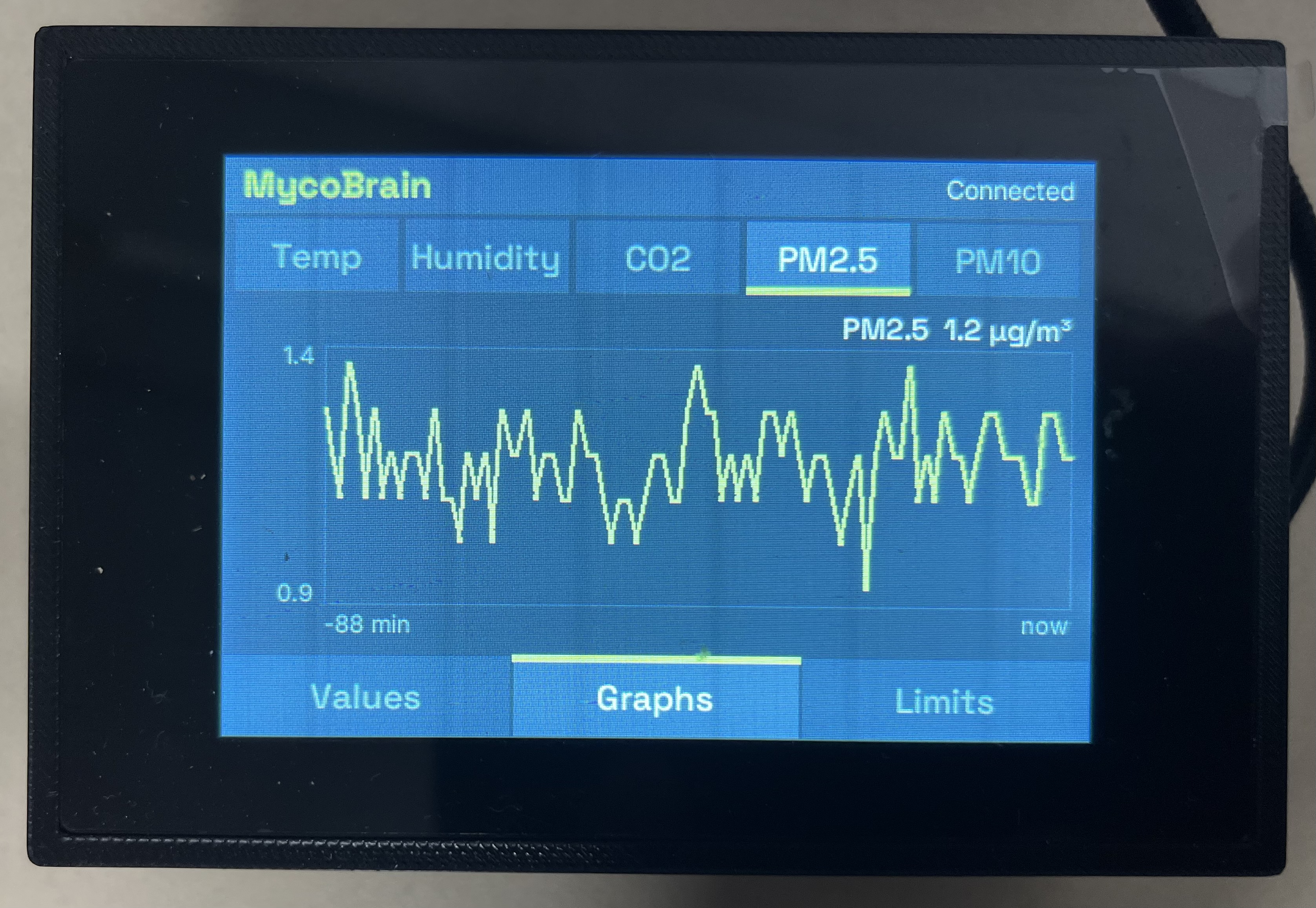
It was not long and we had a fully functioning display over the Mycobrain, complete with graphs based on the api/history API.
Deployment
The final proof of the work was taking into the Fungarium lab at ZAM and attempting to get it working there. The first issue was the W-Lan connection. This was quickly solved but the screen has a set of special configuration files that needed to be adjusted and set into the display
| ./scritps/site_config.sh device set Nectar_Chamber_12.env |
On the Mycobrain side, some changes were made to also make this firmware configurable so that it could be built for different sites and sensors without too much tweaking of the code.
Issues and Bugs